DOCKER

    Creating expired X.509 certificates
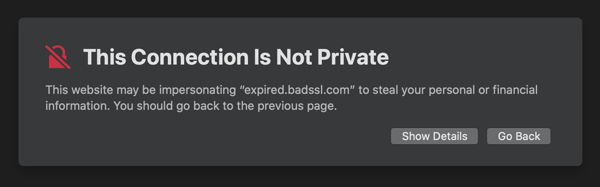
    Expired Certificate

    Last week as I was preparing a the material for a workshop about TLS for developers, for one of the exercises, I needed to create an expired certificate.

    To do that I thought that when creating my certificate (self signed) all I had to do was to pass a negative number when specifying the numbers of days for the certificate validity.

    So there I went and run the following command:

    May 10, 2020
    criptografia

    Size matters, but it is not all about the size

    Docker

    *Docker*

    If you are familiar with Docker, and have been using Docker for some time, you will probably already know or have read, that it is important and a good practice to reduce as much as you can the size of your images. Crafting your Dockerfile carefully to reduce the number of layers, using a minimalist base image to create small images, etc.

    Sure, this is very important in order to save some space on disk. It will also reduce the network traffic, since at some point you will upload your image to some registry, to later download to a particular node or nodes. And sure, the startup time of your container could drastically be affected by bigger images, not because it really takes more time to spin up the container of a bigger image, but because if the image is not cached locally, it will need to be downloaded.

    Sep 9, 2018
    DockerSecurity